Civic Design System
USDA FPAC — Design System Modernization
The Situation
USDA's Farm Production and Conservation mission area includes four agencies — FSA, NRCS, RMA, and Farmers.gov — all of which were supposed to share a design system based on USWDS. In practice, the system was 8 years old and each agency had forked it and gone their own direction. RMA hadn't made a single update to their applications in over a decade. There was no shared component library, no higher-level guidance about when to use what patterns, and every app worked differently.
Leadership wanted one design system to pull the agencies back together. I recommended starting with an inventory — document which applications existed across agencies, what patterns were in use, and what a migration path would actually look like. But they wanted lines of code, not strategy. The directive was to skip research and start building.
The Diagnosis
A design system's documentation is the product for most of its users. You can build the most elegant token system in the world, but if a developer can't find what they need in under 30 seconds, it doesn't matter.
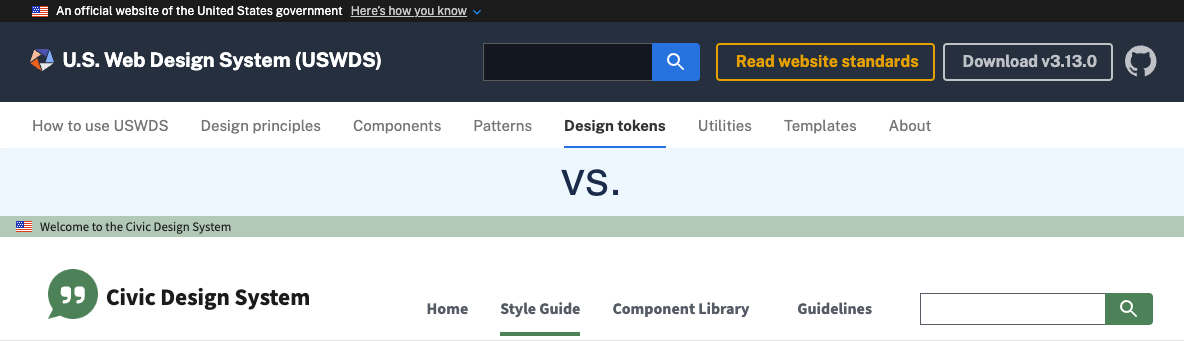
The existing USDA documentation was just a component library and style guide — no guidance about when to use what patterns or how the pieces fit together. My initial plan was to use the USWDS documentation site as a foundation: grab the code from their repo and apply our design tokens. But when I dug in, the USWDS site was built for design system managers, not development teams. It organized guidance across 8 top-level sections reflecting the system's internal architecture — Components, Patterns, Templates, Design Tokens, Utilities, and so on. That structure makes sense if you manage the system, but developers trying to implement a component and designers trying to understand what's available shouldn't need to think in those terms.
So I kept what worked and rearchitected the rest.
The Intervention
I consolidated the 8 USWDS sections into 4 based on user workflows:
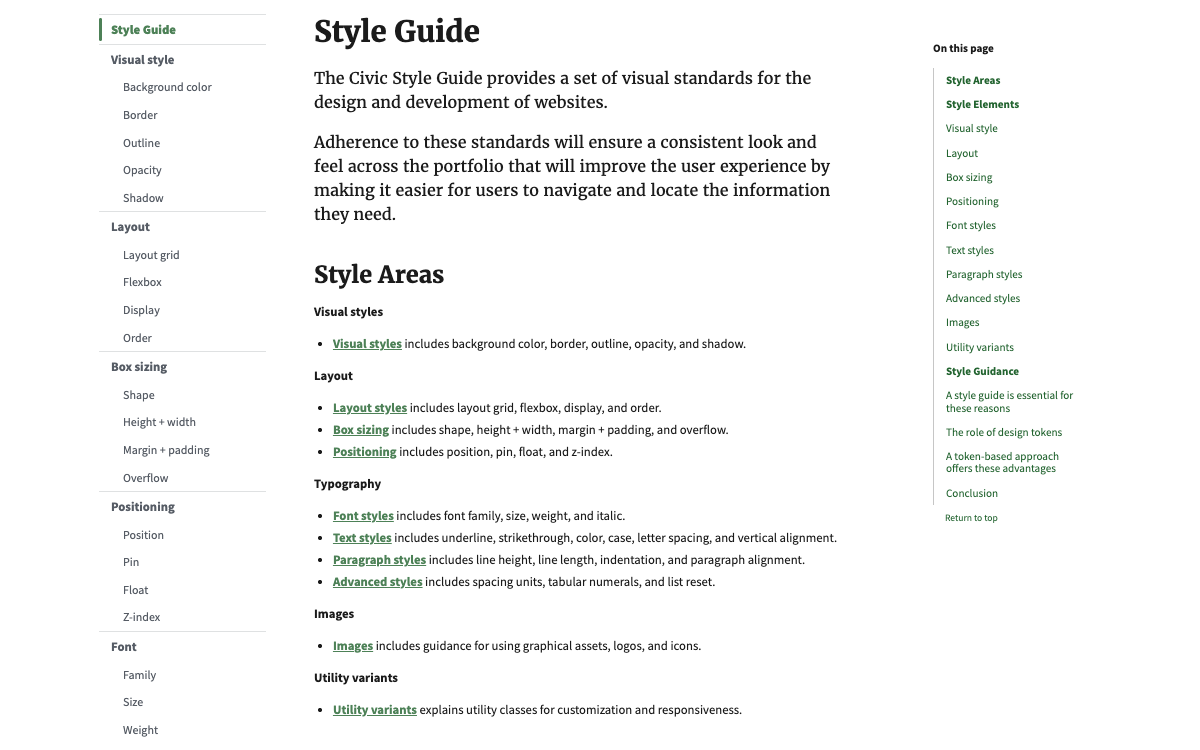
- Style Guide — tokens and utilities for typography, color, layout, and visual style
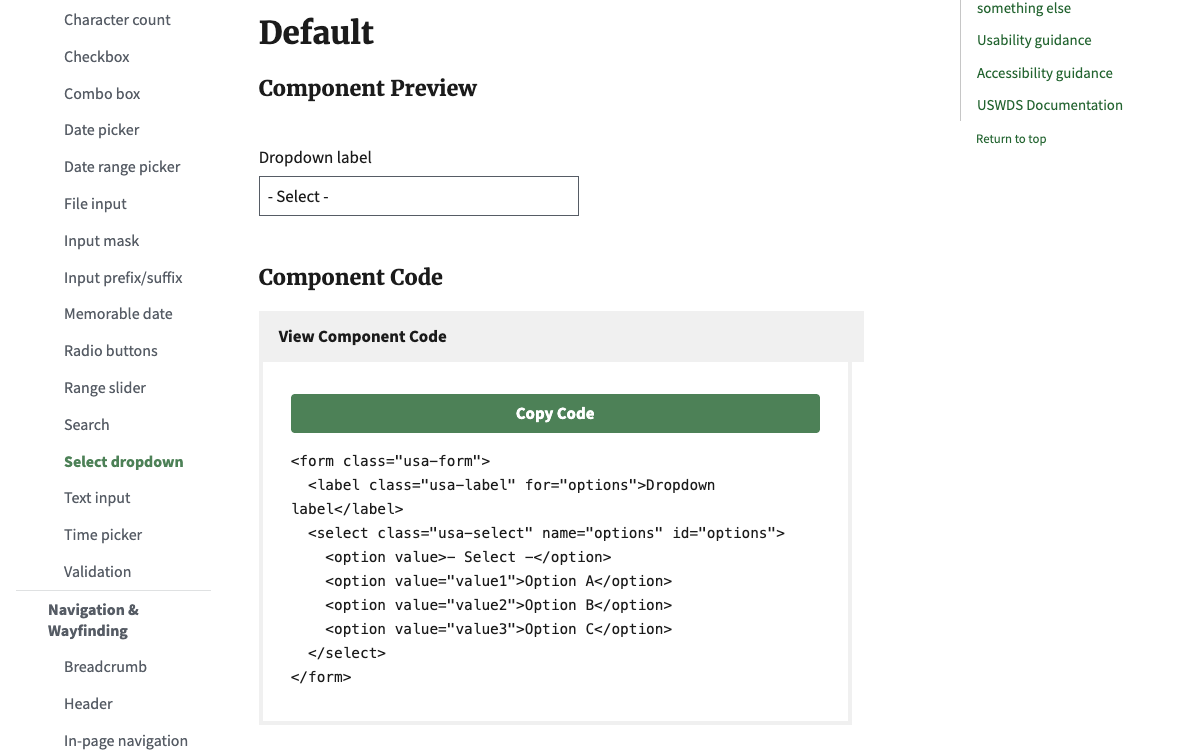
- Component Library — approximately 60 components with implementation-focused content, stripping out the system-level configuration details that were creating noise
- Guidelines — accessibility standards and process documentation
- Home — orientation and getting started
I built the full 107-page documentation site in HTML, CSS/SCSS, and JavaScript. I created template pages, pulled the core content from each USWDS page, and merged them with our agency-specific guidance. The site uses its own design tokens to demonstrate how every component will look with agency-level customizations — so development teams can see exactly what they're getting before they adopt.
I also created comparison tables mapping the legacy FSA Design System (USWDS 1.x) to the new FPAC Design System (USWDS 3.x), so teams could see exactly what was changing and where their existing implementations needed to update.
Beyond the documentation site, I worked to build the organizational infrastructure that a design system needs to survive:
- Accessibility — updated the agency's Section 508 guidance to WCAG 2.2 AA, publishing it in both the Design System and on Confluence
- Cross-agency adoption — re-established the FPAC UX Sync group, engaging design teams across NRCS, FSA, Farmers.gov (RMA didn't have any designers)
- Tooling — built the business case for enterprise Figma adoption with Figma Make, Figma MCP Server, and Figma Code Connect to accelerate development across FPAC, researching costs and documenting use cases across mission areas
Adoption
Once the system was built, I worked every adoption lever I had: presented to a DevOps group of 100+ developers and asked for pilot volunteers, wrote leadership requesting a team be assigned to pilot the transition, and promoted the new system through an internal blog on Confluence. Developers validated the work — but no one was going to take on extra effort without leadership making it a priority, and that mandate never came.
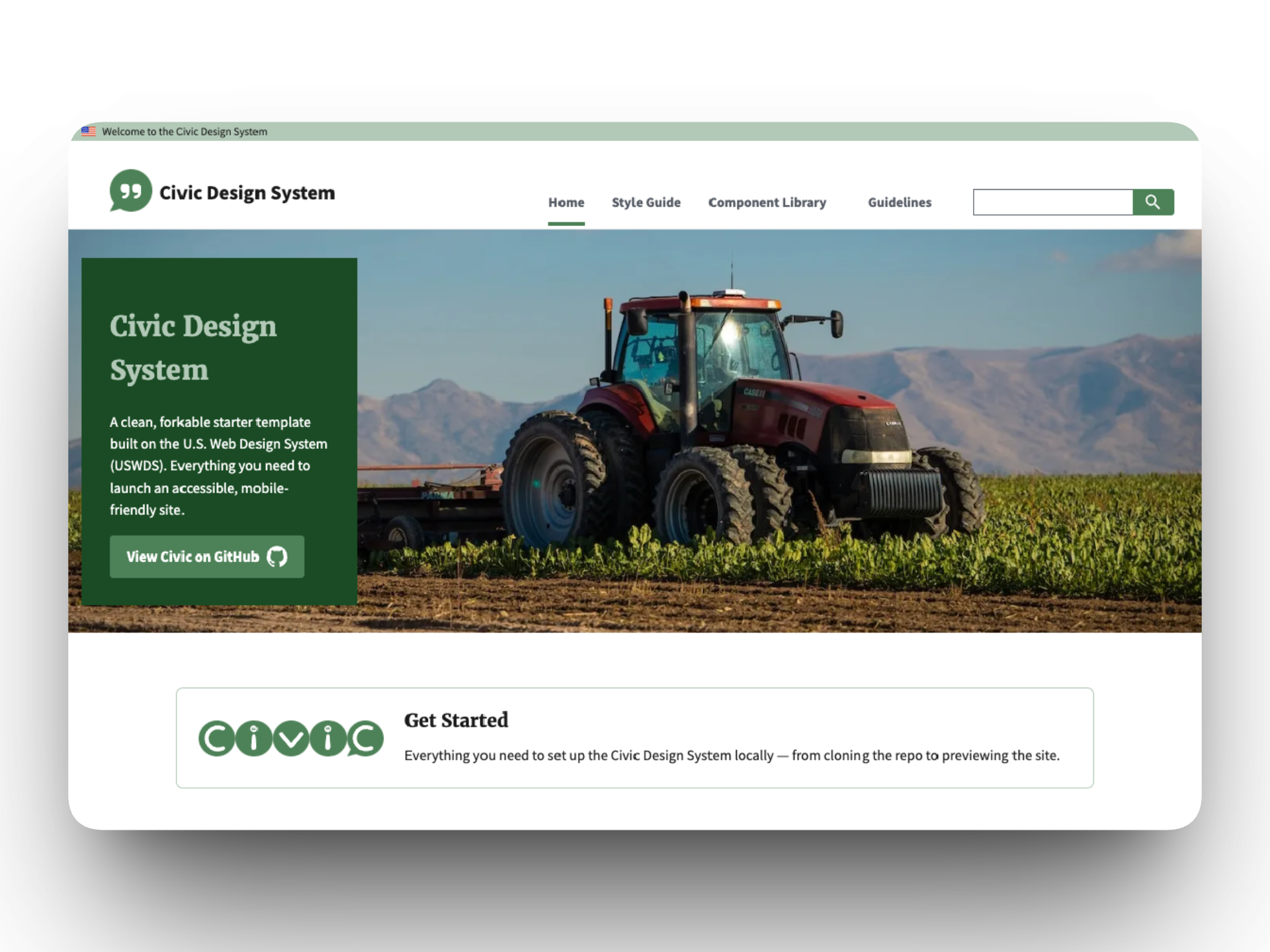
After the contract ended, I forked the work as the Civic Design System — an open-source resource that any federal agency or non-profit can adopt and customize with their own design tokens in minutes.
What I Learned
Despite the adoption gap, this project transformed my capabilities. Building a 107-page documentation site from scratch taught me to code at a level I hadn't worked at before, and doing it alongside AI tools like Copilot taught me how to design in code with AI as a collaborator — a workflow that now powers everything I build, from this portfolio to Bantr to my other projects.
I also believe the strategy was sound given more time. With the design system in place and AI-assisted development, updating applications to the new architecture would have been straightforward — agency by agency, app by app, building organic relationships with development teams rather than waiting for a leadership mandate that was never going to come. The pieces were all there. The timeline just wasn't.